
Set up your Account
A step-by-step guide to getting started with carrotfunding.
Visit carrotfunding
Visit the official carrotfunding.io website https://www.carrotfunding.io/
Click “Get Funded” or “Enter App” on the website.

carrotfunding.io
Sign Up
You can create an account using one of the following methods:
- Connect a wallet (MetaMask, Rabby, or other supported wallets)
- Sign up with your Google account
- Create an account using email and password
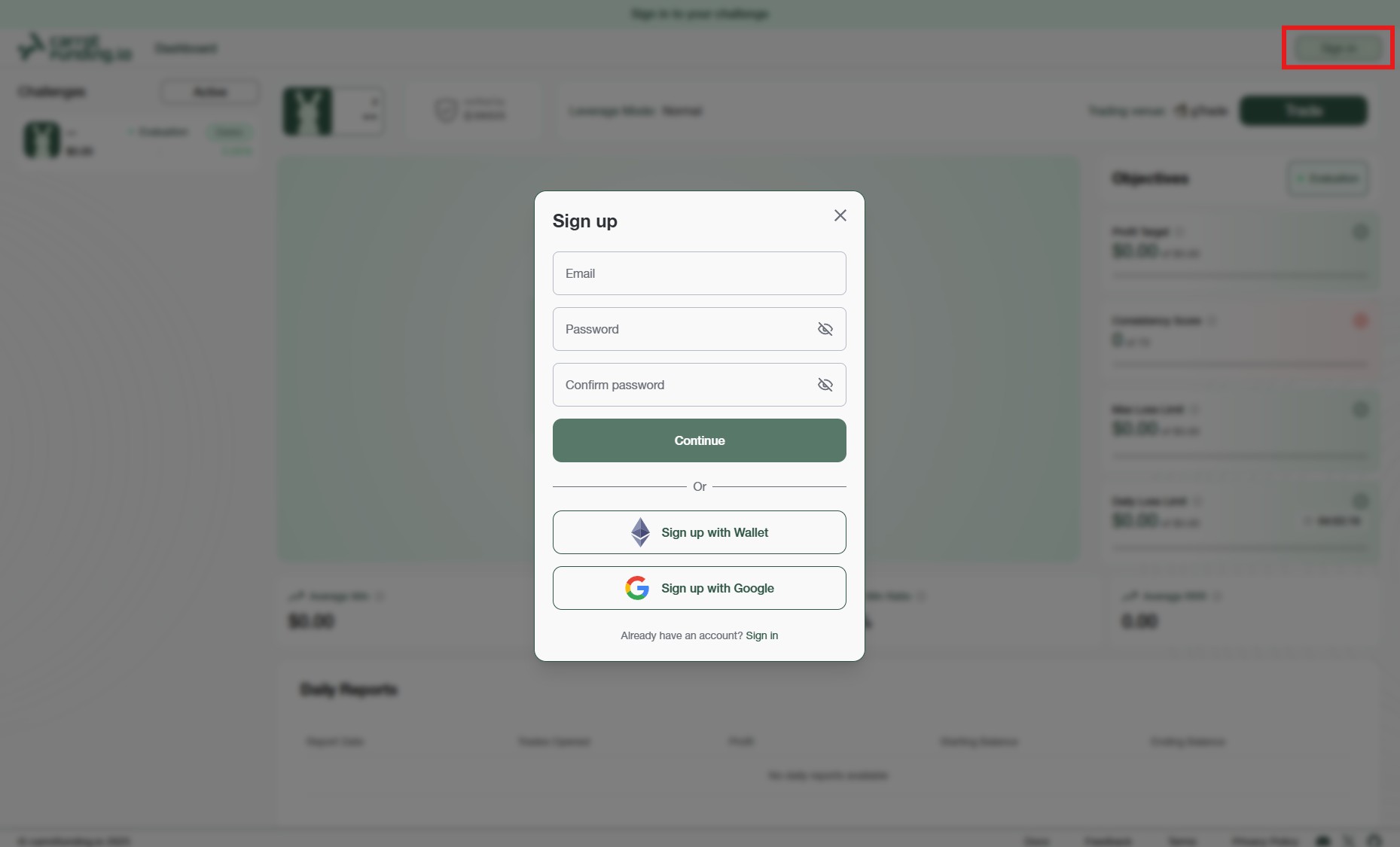
Sign Up
Sign up with your Wallet
Click the “Sign in with Wallet” button to access carrotfunding.io using your preferred Web3 wallet.
Once prompted, approve the signature request in your wallet extension.
This signature is used to verify wallet ownership, with no gas fees or transactions involved.
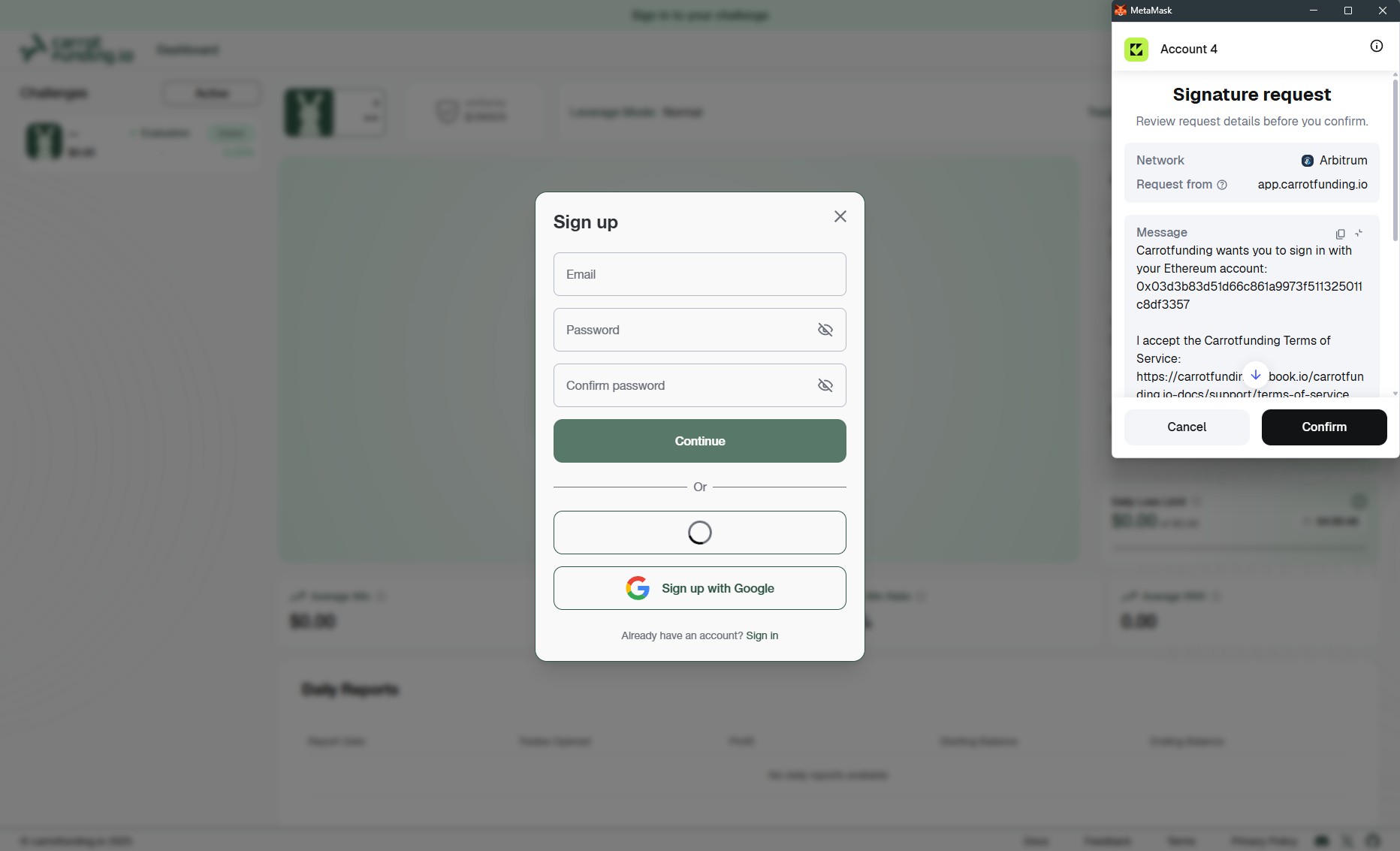
Wallet Sign Up
Sign up with your Google Account
Click the “Sign in with Google” button on the Sign in page.
Choose your preferred Google account. Approve the permissions and you’re in, no extra steps needed!
You’ll be instantly redirected to your carrotfunding.io dashboard once authenticated.
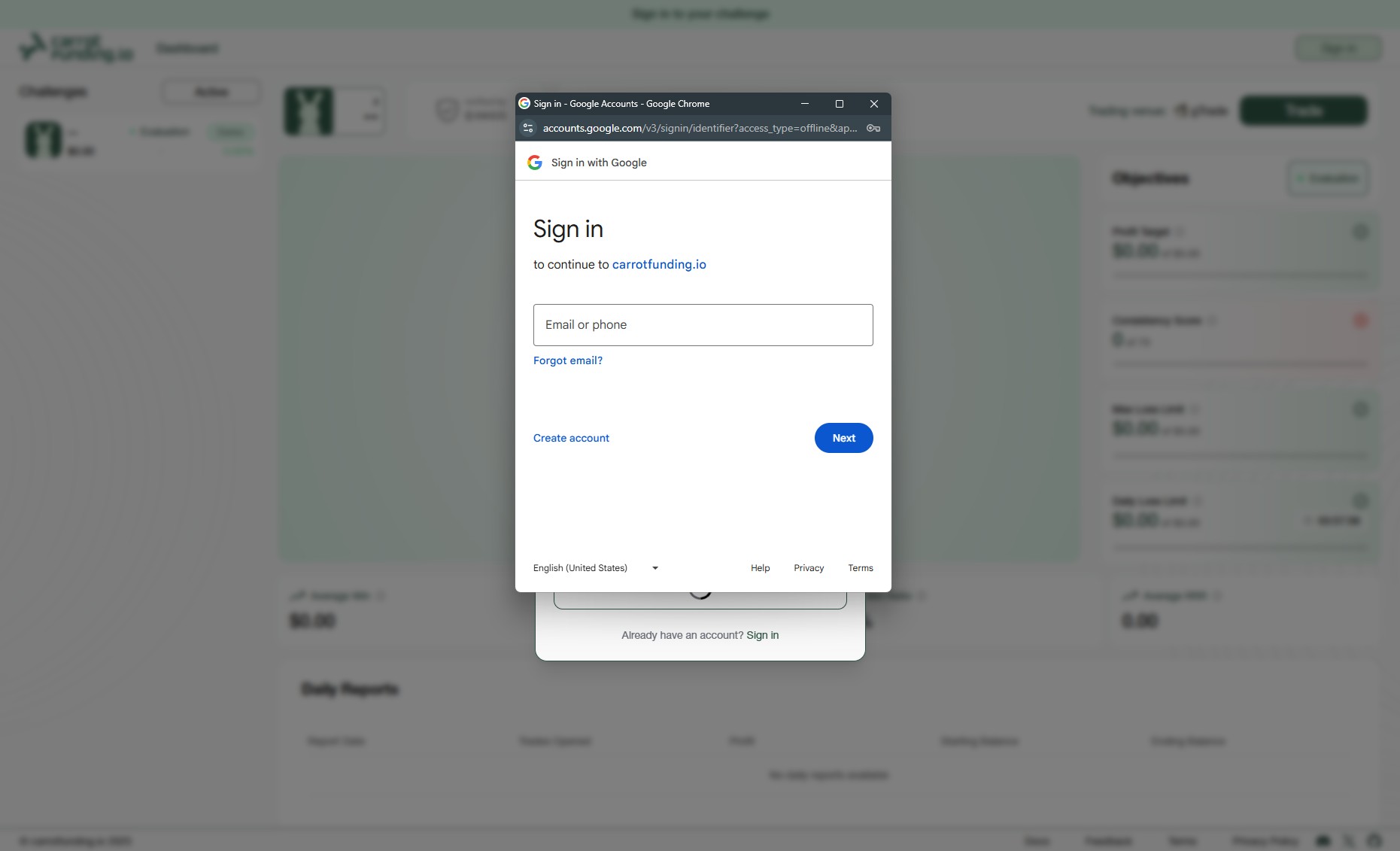
Google Sign Up
Sign up with your Email
Click the “Sign up” button at the bottom of the Sign in page to create your carrotfunding.io account. Fill in the required details.
After entering your information, click “Continue” to proceed.
You will receive a confirmation email.
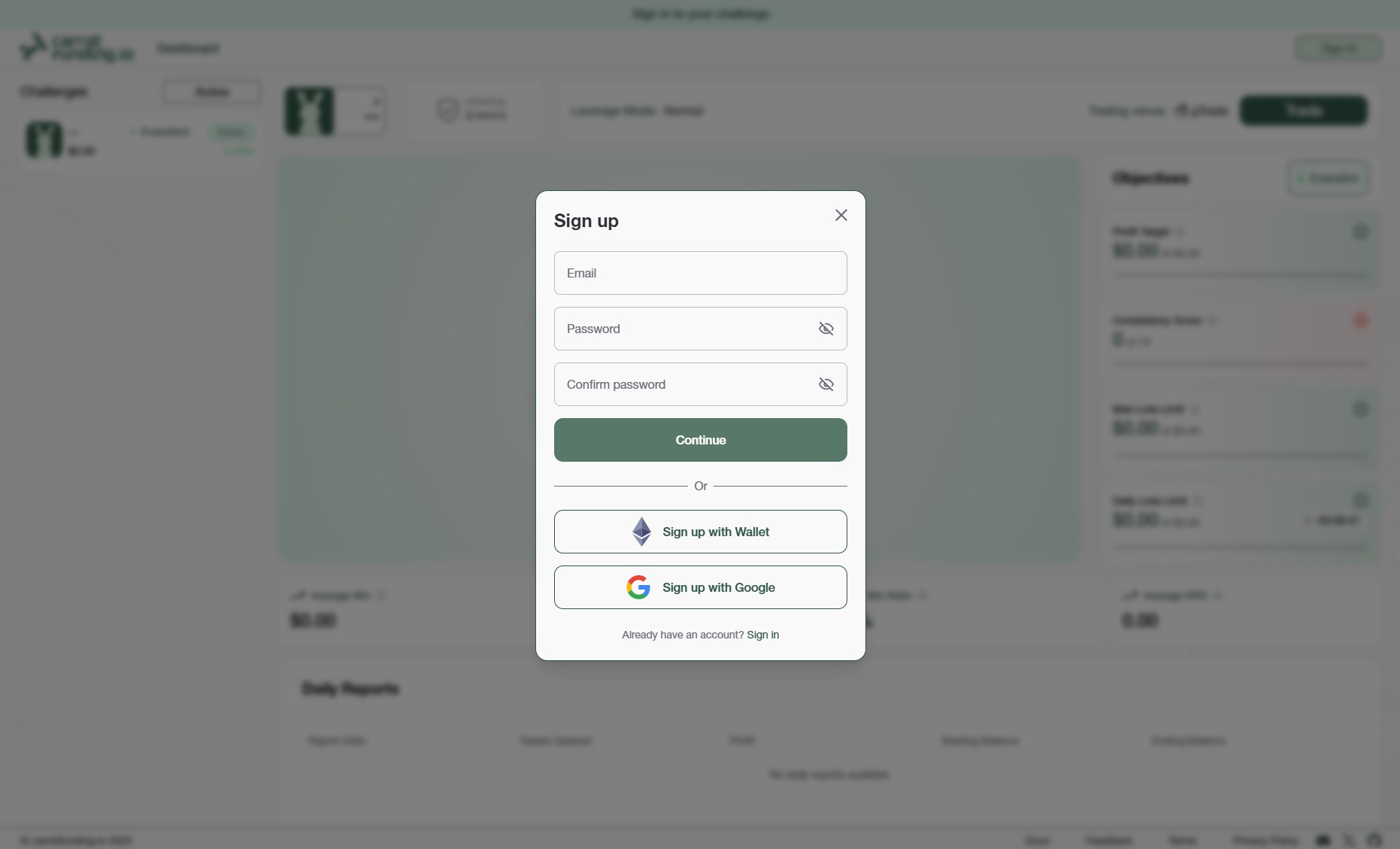
Email Sign Up
Log In
Log in to your account using the same method you used to sign up with carrotfunding.io, whether that’s with your email, wallet, or Google.
Simply select the appropriate option to access your dashboard.